
How to export transcript clips to JSON
This export function is specifically for exporting just the Transcript Clips in the current Transcript to a common data format (JSON) that can be read and parsed by other software tools.
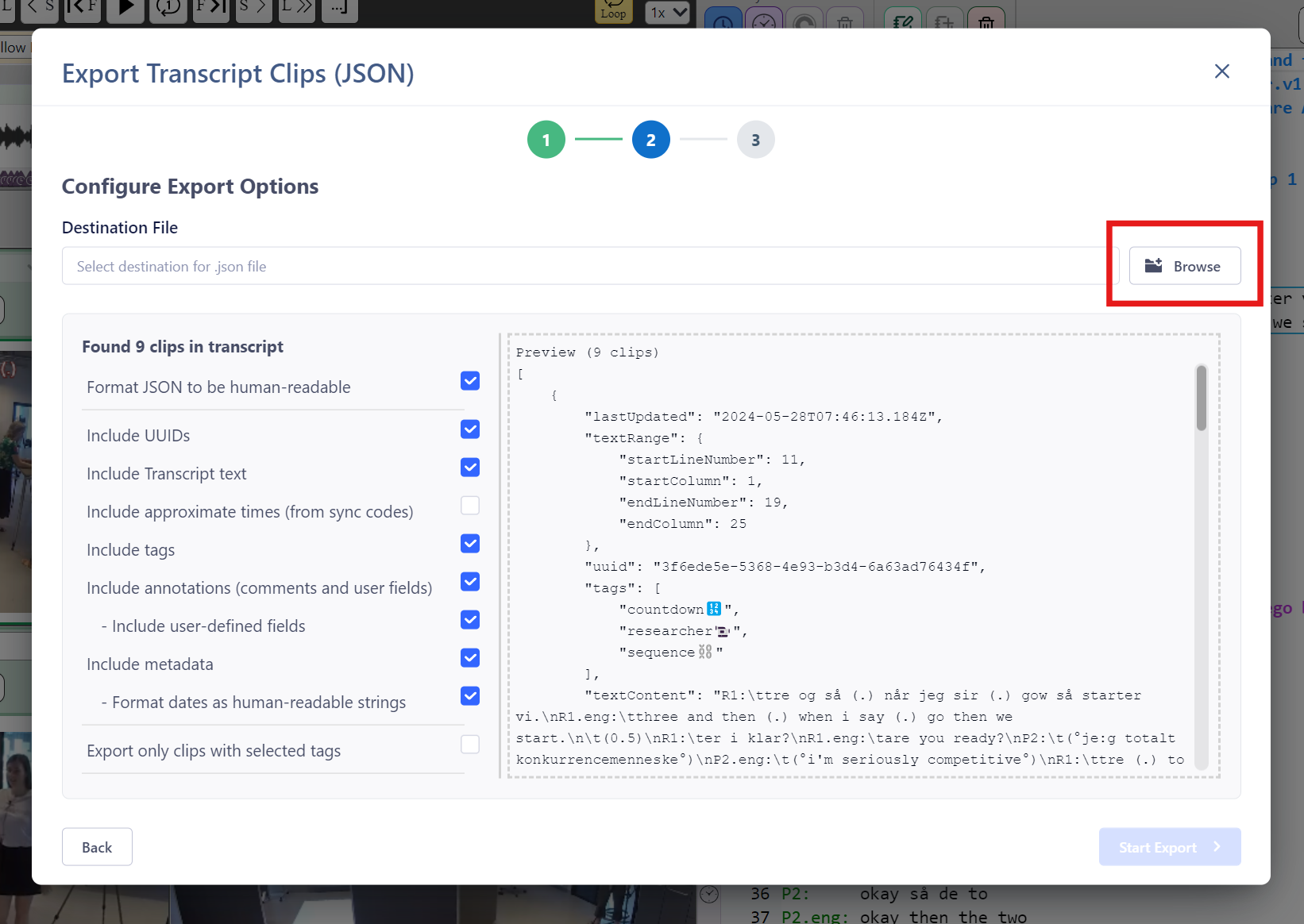
Exporting to JSON
- Select
File ➔ Exportfrom the menu or click theExportbutton on the ribbon bar. - Click on the relevant
Continuebutton for "Transcript Clips (JSON)". - Specify the "Destination File" location for the exported file (
.json). The default filename suggested will be the same as the name of the Transcript inDOTE. - For all Transcript clips found in the current Transcript, choose your options from the check boxes.
- Format JSON to be human readable.
- Include UUIDs - these are unique identifiers used in DOTE and DOTEbase.
- Include Transcript text - that is the text that is selected to be annotated.
- Include approximate times (from sync-codes) - only possible in sync-codes are present.
- Include tags.
- Include annotations (in the Transcript Clip).
- Include user-defined fields - these are special fields designated by the user.
- Include metadata.
- Format dates as human readable.
- Export only clips with selected tags (default off).
- If this is selected, then a list of all tags used in Clips in the current Transcript are listed for selection.
- When ready, select
Start Export. - You can find the JSON file in the folder you selected.
If someone has written a import parser for the JSON data structure that DOTE exports, then you can import it into another software package.