
What information can be found about a DOTE Project?
How to open and close the Project & Transcript Information panel
The panel opens when clicking the Project Infoℹ️ button at the top right of the DOTE window.
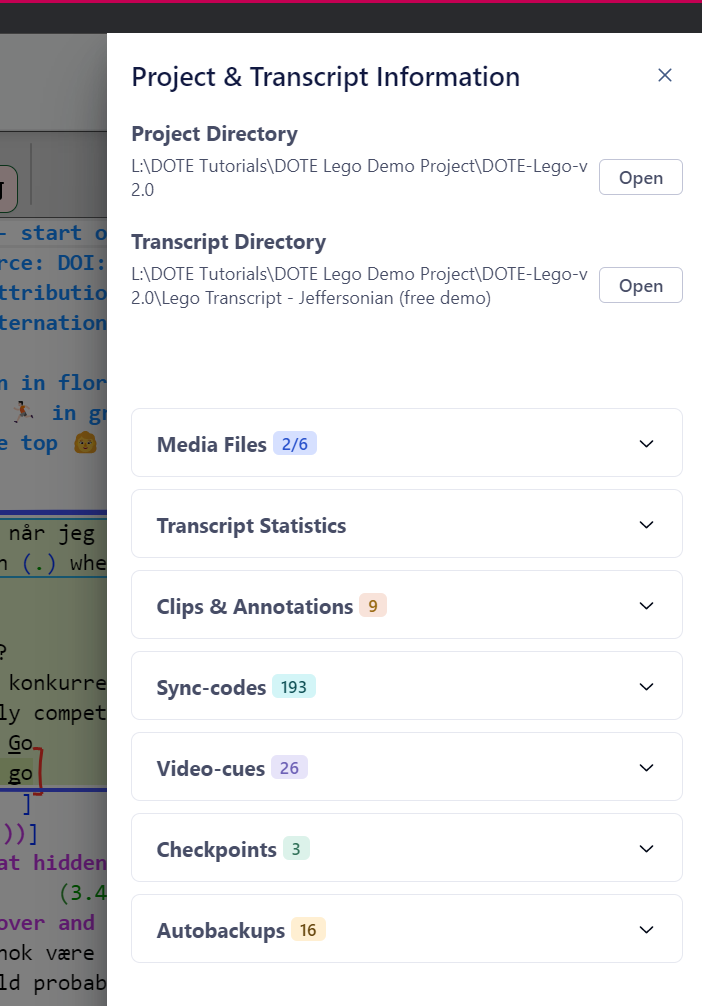
The Project & Transcript Information panel assembles a range of helpful data about the currently open Project, including:
- Directory links
- Media Files
- Transcript Statistics
- Clips & Annotations
- Sync-codes
- Video-cues
- Checkpoints
- Autobackups
- Merge Transcripts
Types of information
Basic quantitative information is shown in the heading of each category, eg. number of sync-codes. Clicking the down arrow expands and the up arrow shrinks each information segment.
Opening Directories
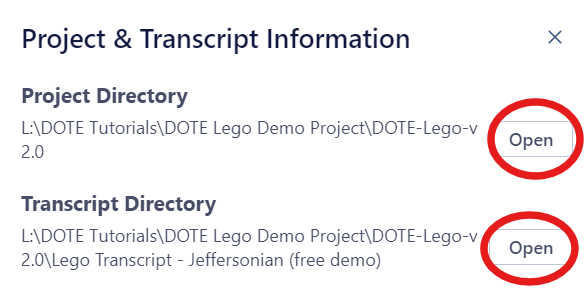
Sometimes one needs to access the directory or folder in which the Project or a Transcript is stored.
Click the Open button to do so in your file system.
Media Files
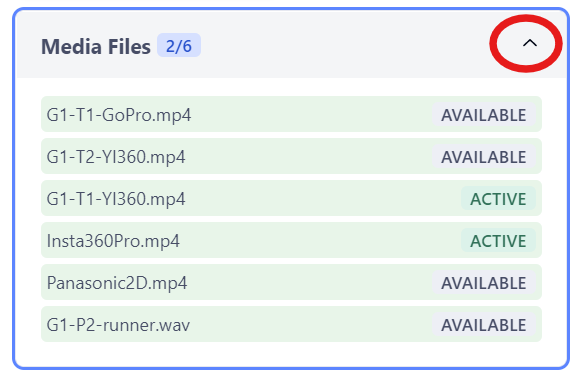
This segment displays the following information gathered from the currently open Project:
- All media files available in the Project - see Media Manager.
- Which media files are currently active in the current transcript.
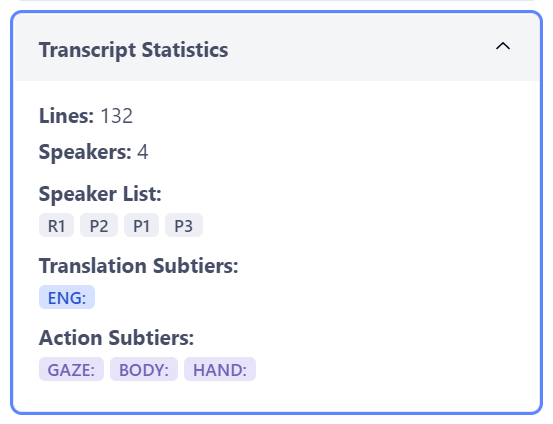
Transcript Statistics
This segment displays the following information gathered from the currently open Transcript:
- How many lines in the current transcript.
- How many distinct speakers found in the current transcript.
- A list of those speakers using their speaker ids.
- A list of subtiers in the current transcript according to type.
Clips & Annotations
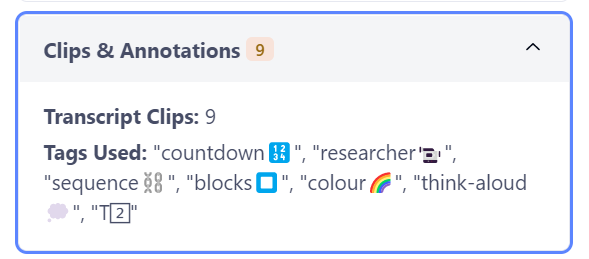
This segment displays the following information gathered from the currently open Transcript:
- The number of transcript clips found in the current transcript.
- A list of all the tags used in the current transcript.
Sync-codes
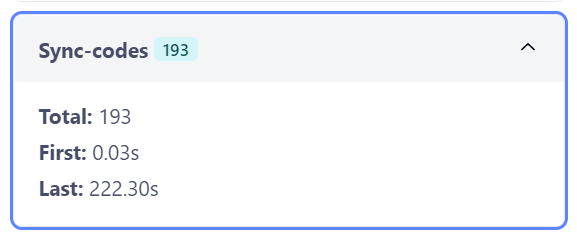
This segment displays the following information gathered from the currently open Transcript:
- Total number of sync-codes in the current transcript.
- The timestamp of the first sync-code.
- The timestamp of the last sync-code.
Video-cues
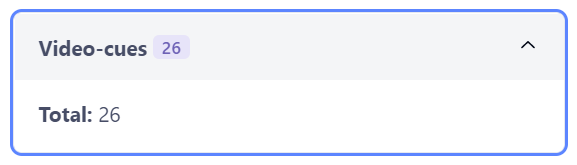
This segment displays the following information gathered from the currently open Project:
- The total number of video-cues in the current transcript.
Checkpoints
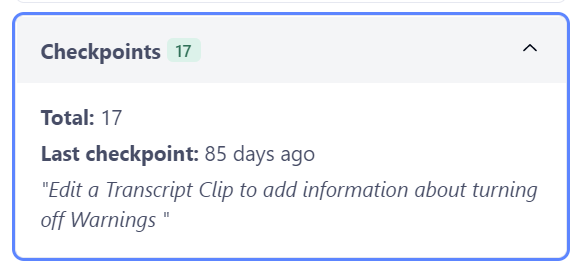
This segment displays the following information gathered from the currently open Transcript:
- The total number of checkpoints in the current transcript.
- The title and date/time of the last known checkpoint.
Autobackups
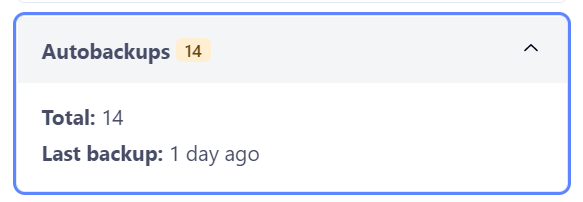
This segment displays the following information gathered from the currently open Transcript:
- The total number of autobackups in the current transcript.
- The date/time of the last known autobackup.
- Merge Transcripts
This function is documented elsewhere.