
Import from a basic text format file
It is possible to import a rather plain transcript text from a basic text format file, with an extension such as .txt or .rtf.
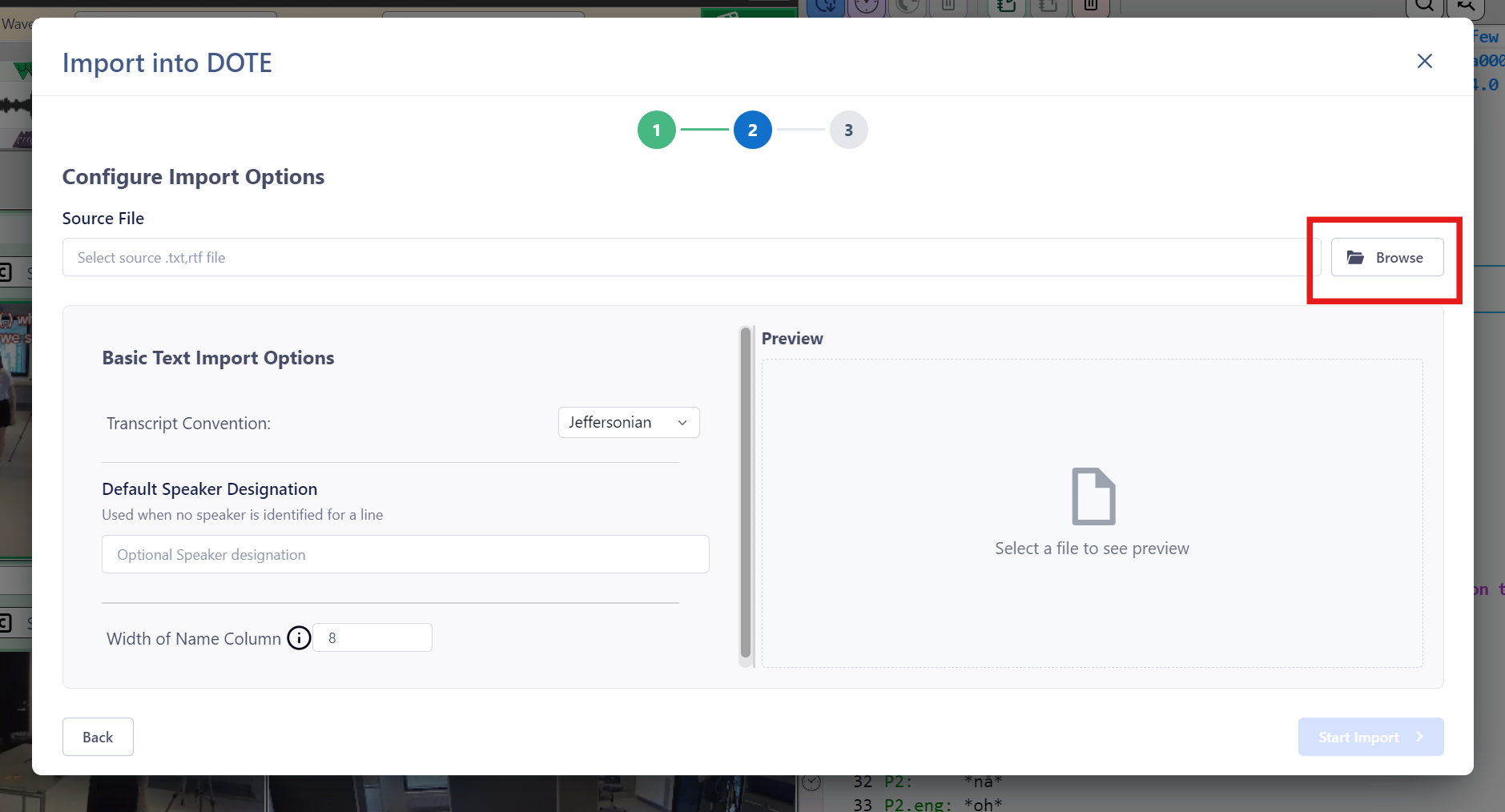
How import a basic text file into a Transcript
To import a basic text file into a new Transcript, follow these steps:
- Select
File ➔ Importor click theImportbutton on the right of the ribbon bar. - Click on the relevant
Continuebutton for "Basic Text File". - Specify the "Source File" location for the Basic Text file (
.txtor.rtf) to import. - Enter a unique name for your new Transcript Name.
- Choose from the Basic Text Import Options:
- Transcript Convention - basically, Jeffersonian or Mondadaian.
- Default Speaker Designation - in case there is no speaker-id on each line you can add a default on import.
- When ready, click on
Start Import.